
Easy file transfer/streaming
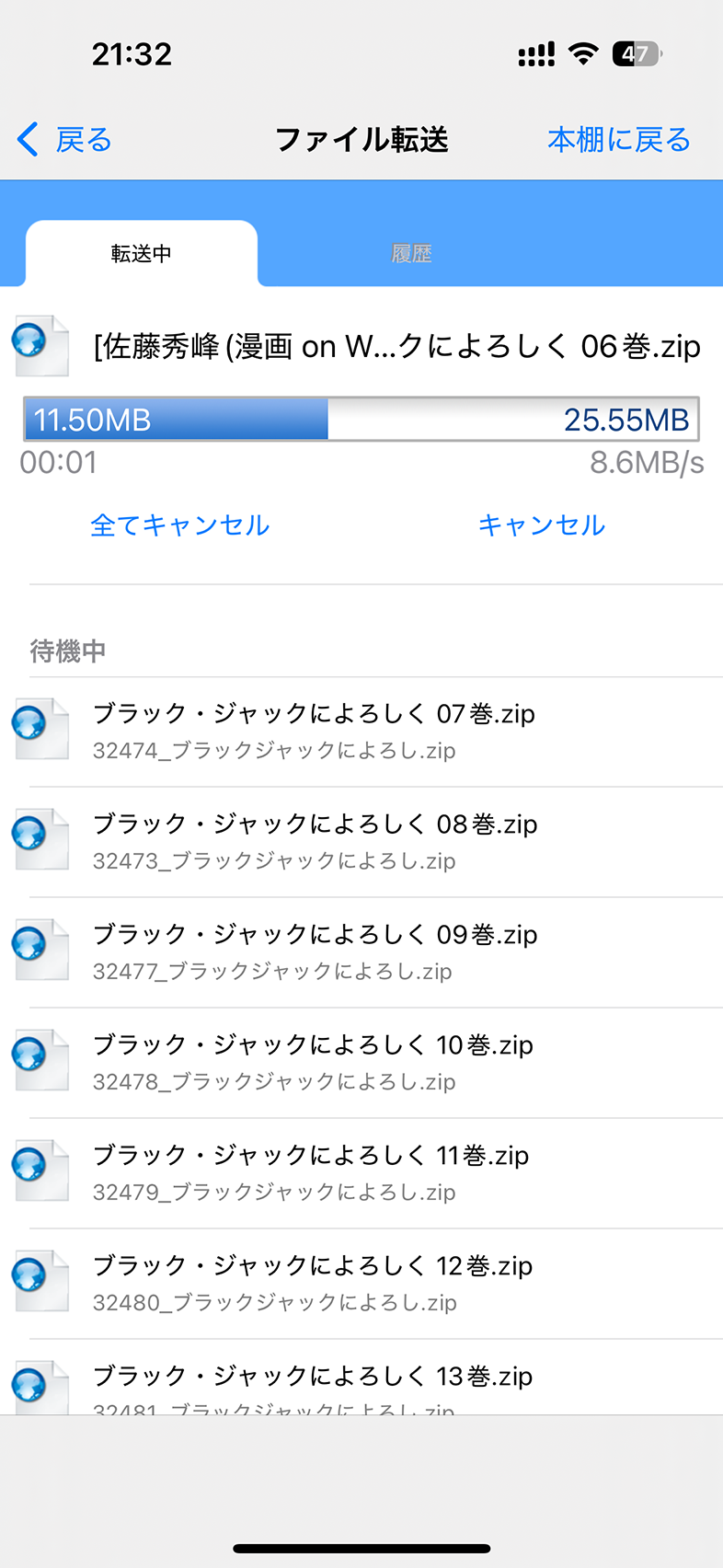
Reduce daily hassles with the file transfer tool for Windows/Mac. Also supports streaming viewing from cloud storage and file sharing
ComicGlass is a standard app for reading scanned comics and magazines on iPhone/iPad
You can use it on both iPhone and iPad with a single app

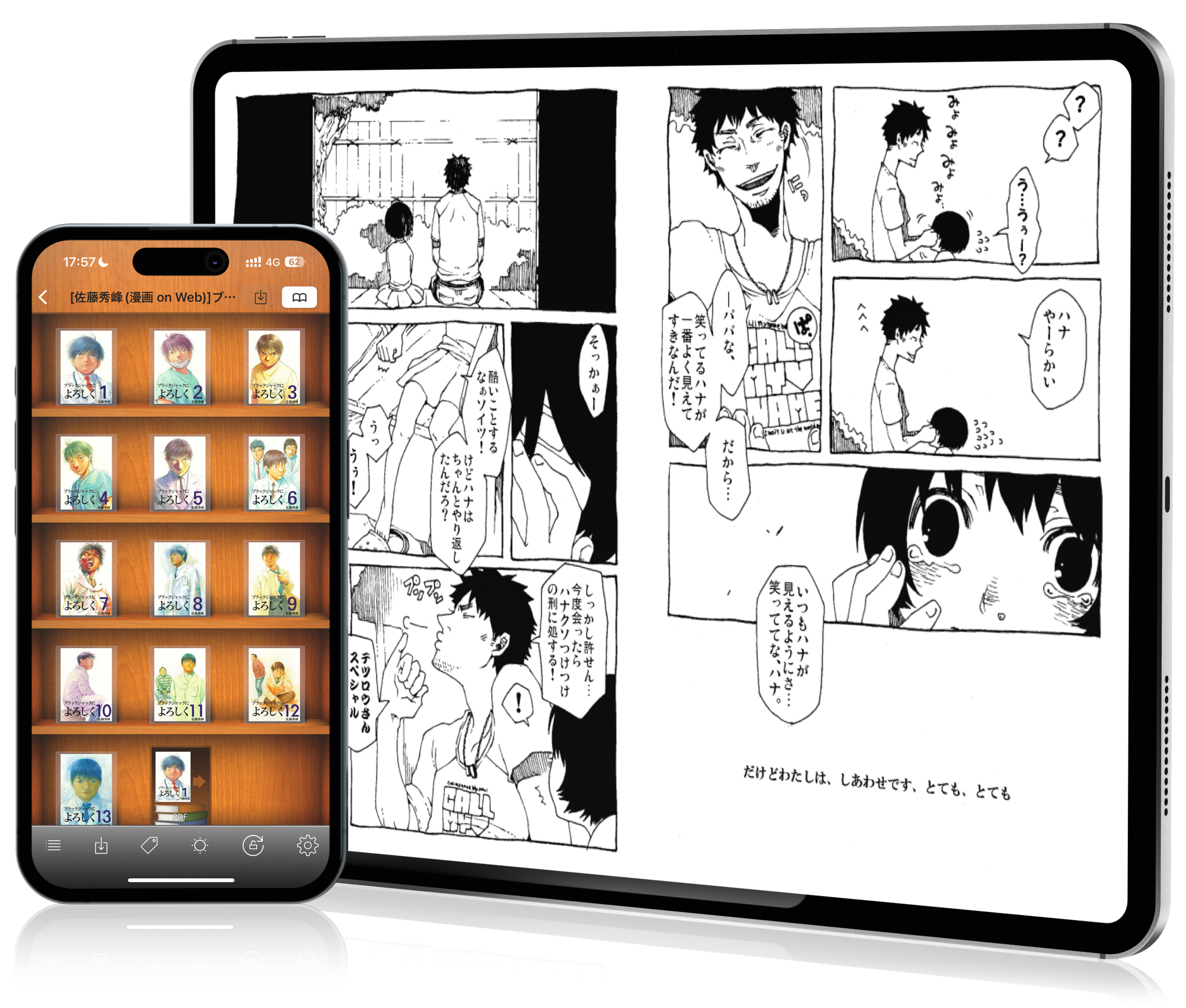
Packed with many useful features for viewing self-scanned comics, refined since 2010
Reduce daily hassles with the file transfer tool for Windows/Mac. Also supports streaming viewing from cloud storage and file sharing
Equipped with a proprietary optimization engine tailored to the screen size, making even small text easy to read. Also includes a wide range of image filters such as margin cropping and pseudo color
ComicGlass won 1st place in the 2010 iPad paid app annual ranking. Since then, we’ve continued adding the features you need and have kept up with the latest iOS. We will keep pursuing even greater convenience
Other features
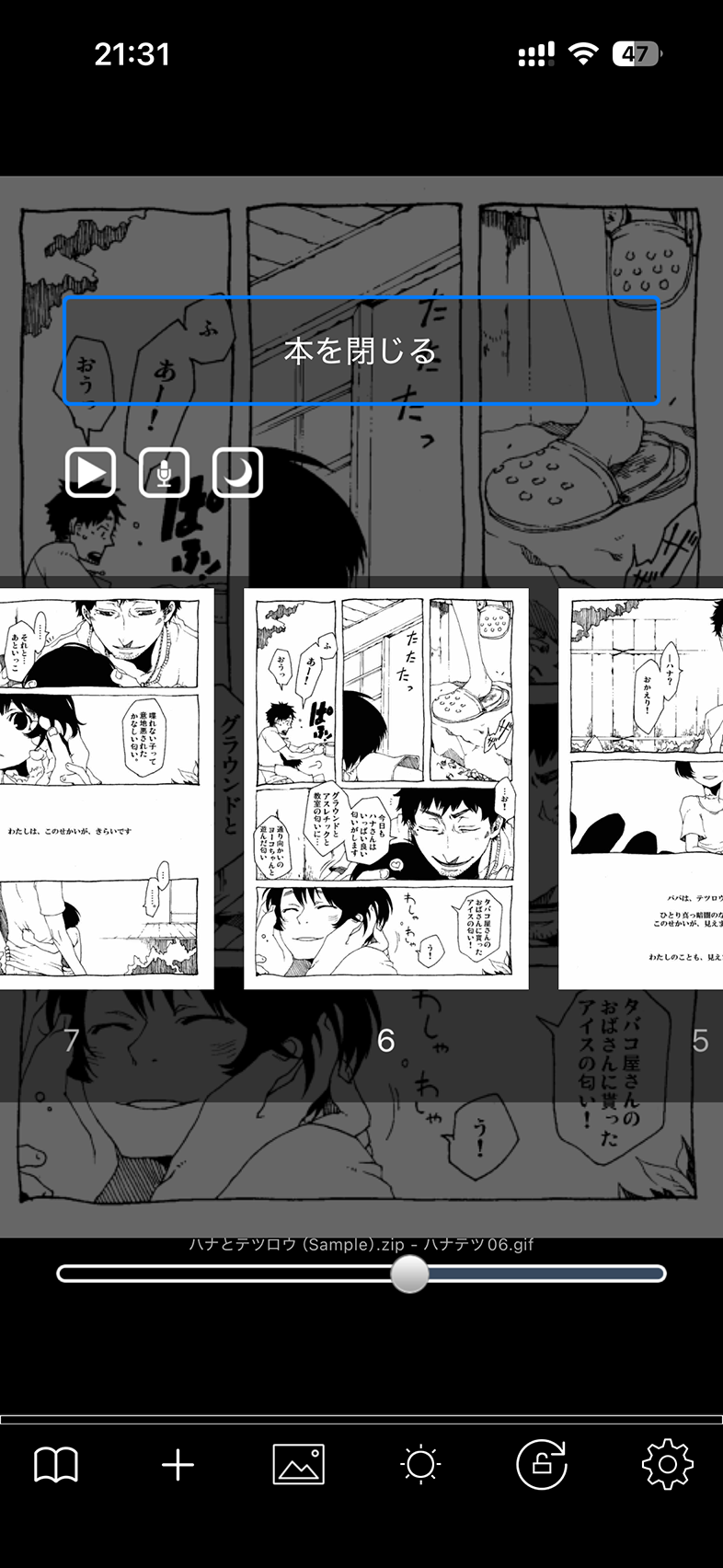
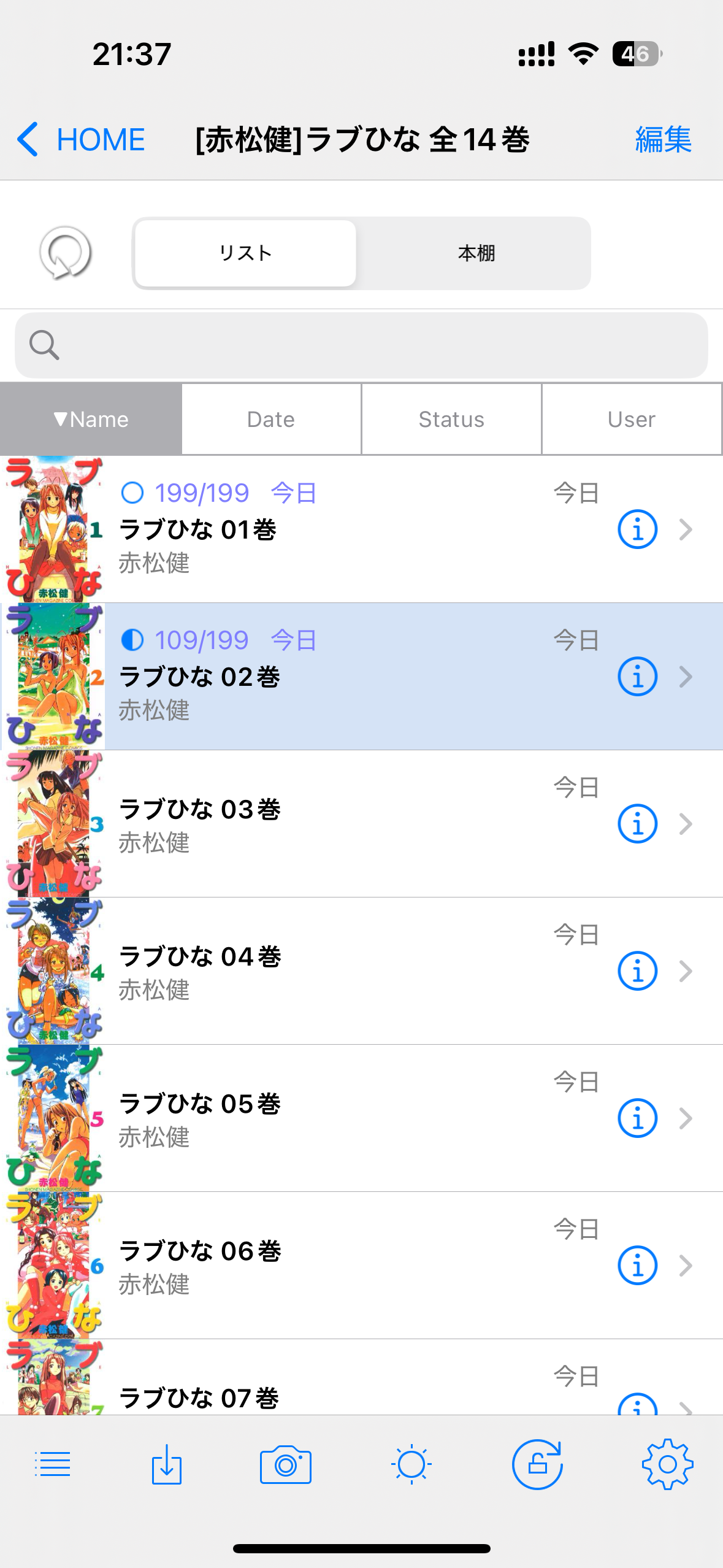

Self-scanned comics are paper books that have been scanned and made into ZIP or PDF files. ComicGlass specializes in viewing these files.
ComicGlass is a universal app. With a single purchase, you can use it on both iPhone and iPad
If you use the same Apple ID, you can use it on multiple devices. You can also share bookmarks between devices.
ComicGlass can be downloaded from the App Store
Download ComicGlass MediaServer here